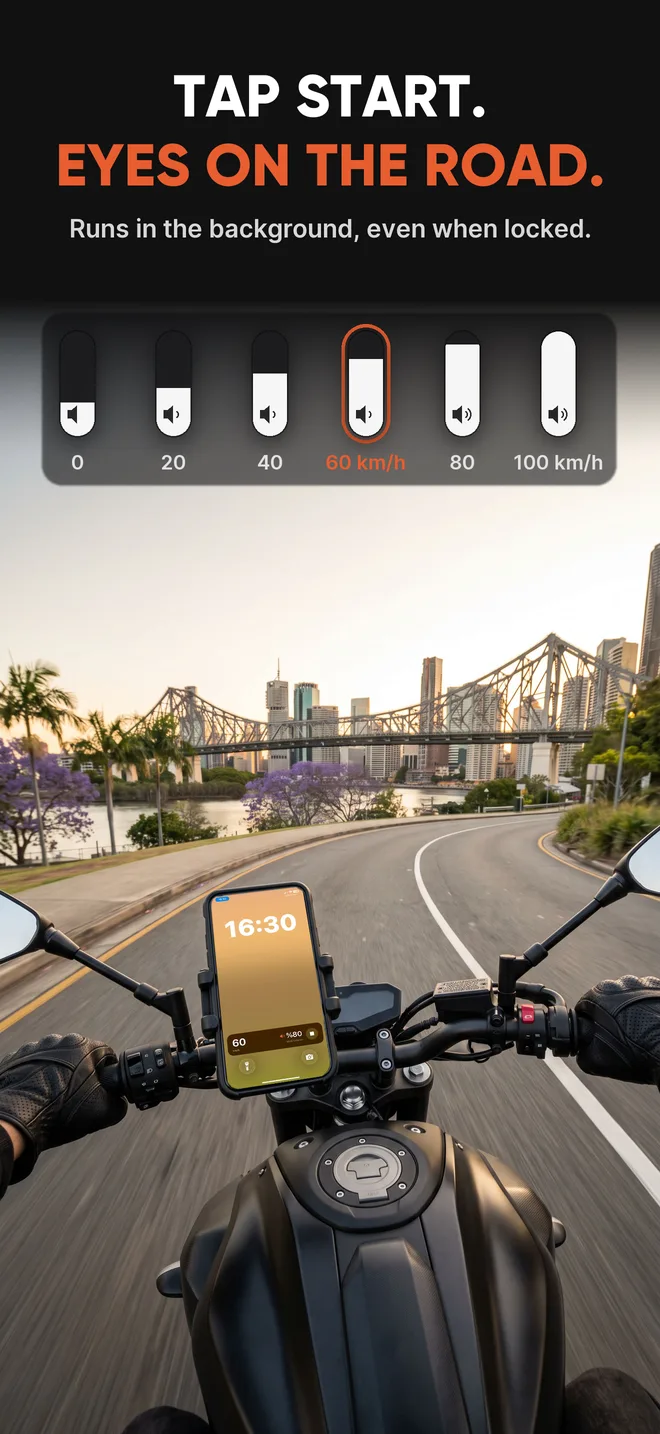
MotoVolume uses your speed to set the volume. Louder on the highway, quieter at the lights. You don't have to reach for the buttons with gloves on.


Free to set up. Try it free before you subscribe.
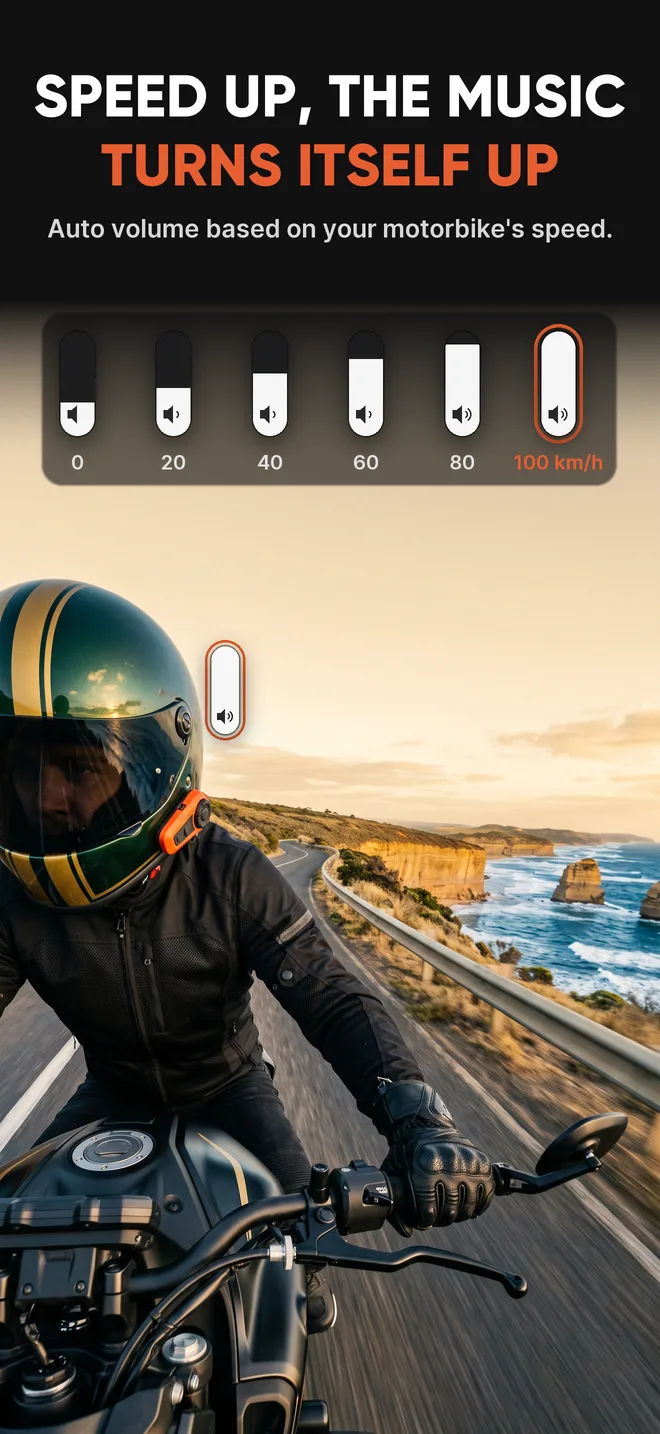
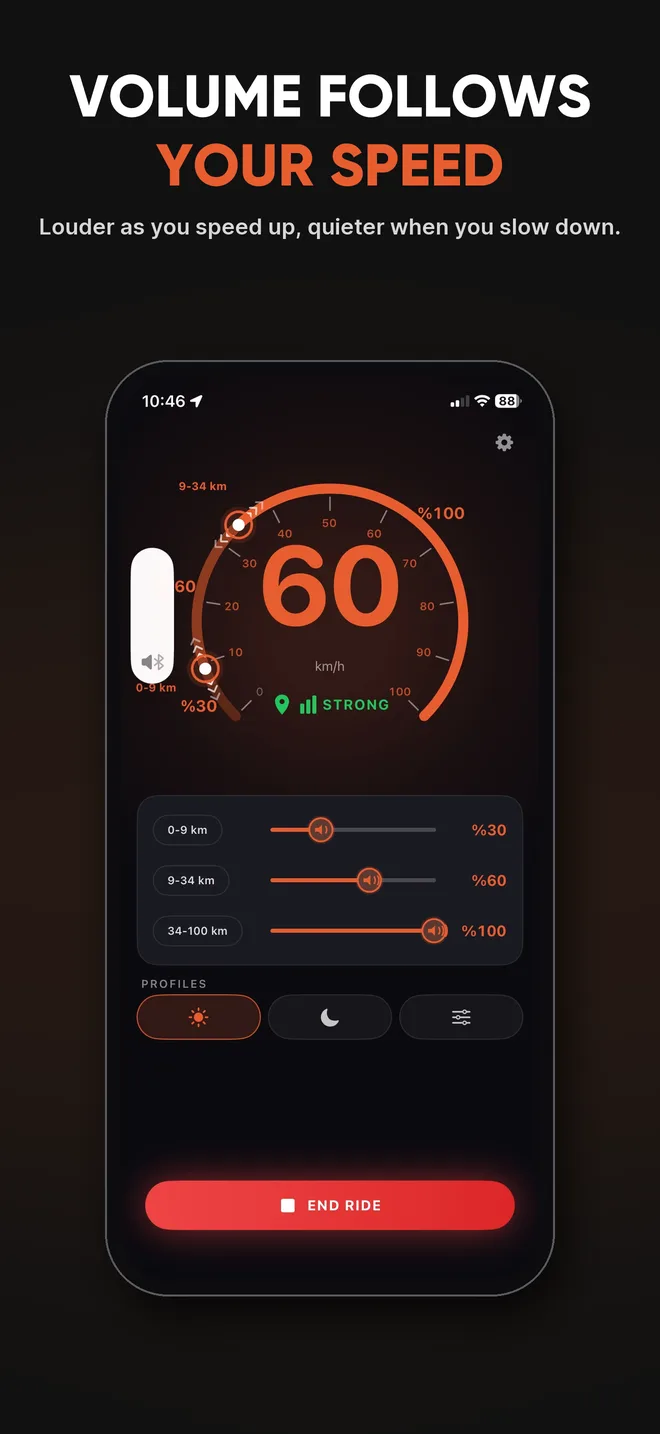
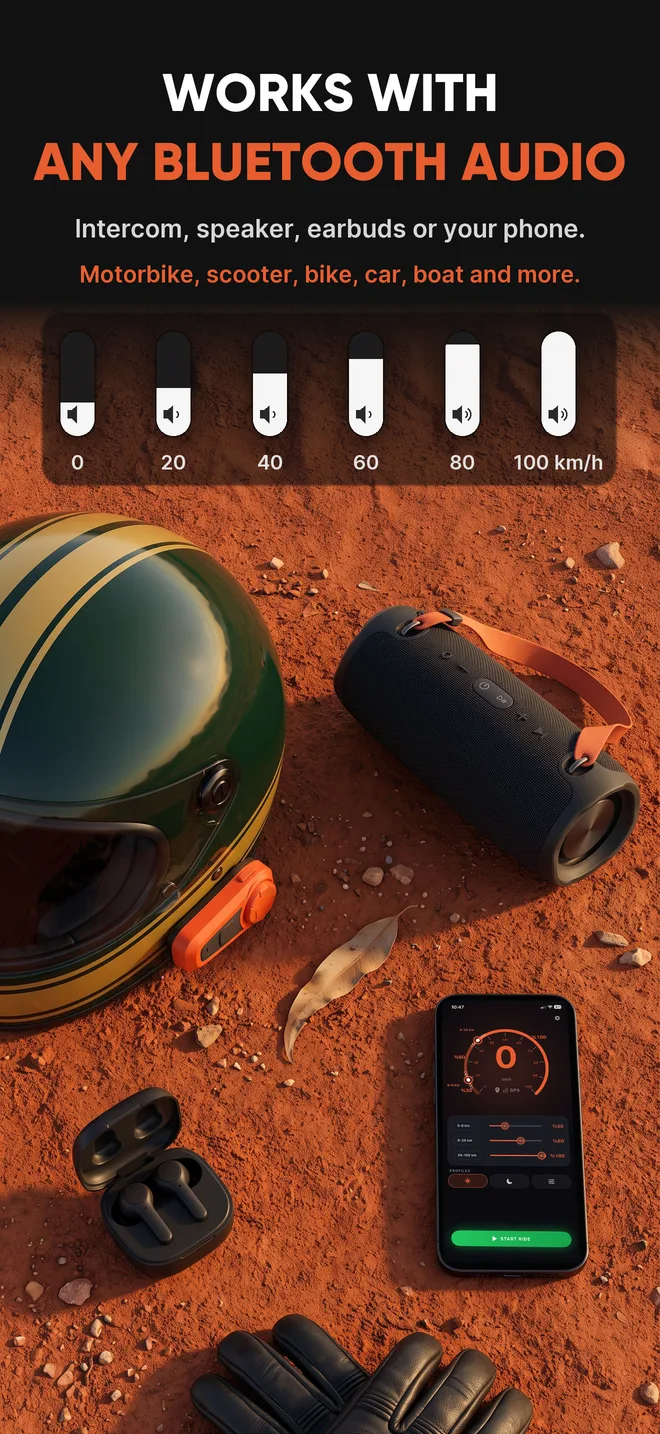
Music, podcasts, sat-nav. Whatever you're playing, MotoVolume only changes how loud it is.
Wind and engine noise go up with speed. Your music goes up with it.
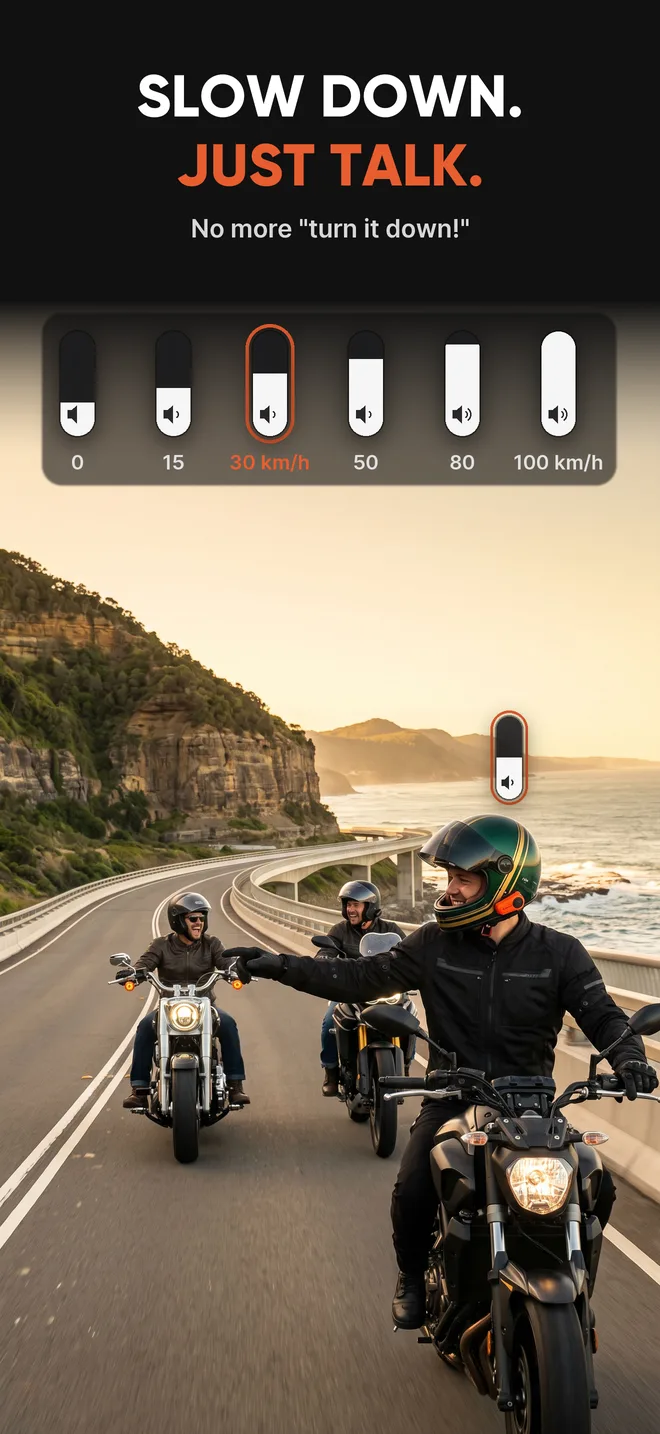
On a slow, scenic road the music drops, so you can talk to your mate without shouting.
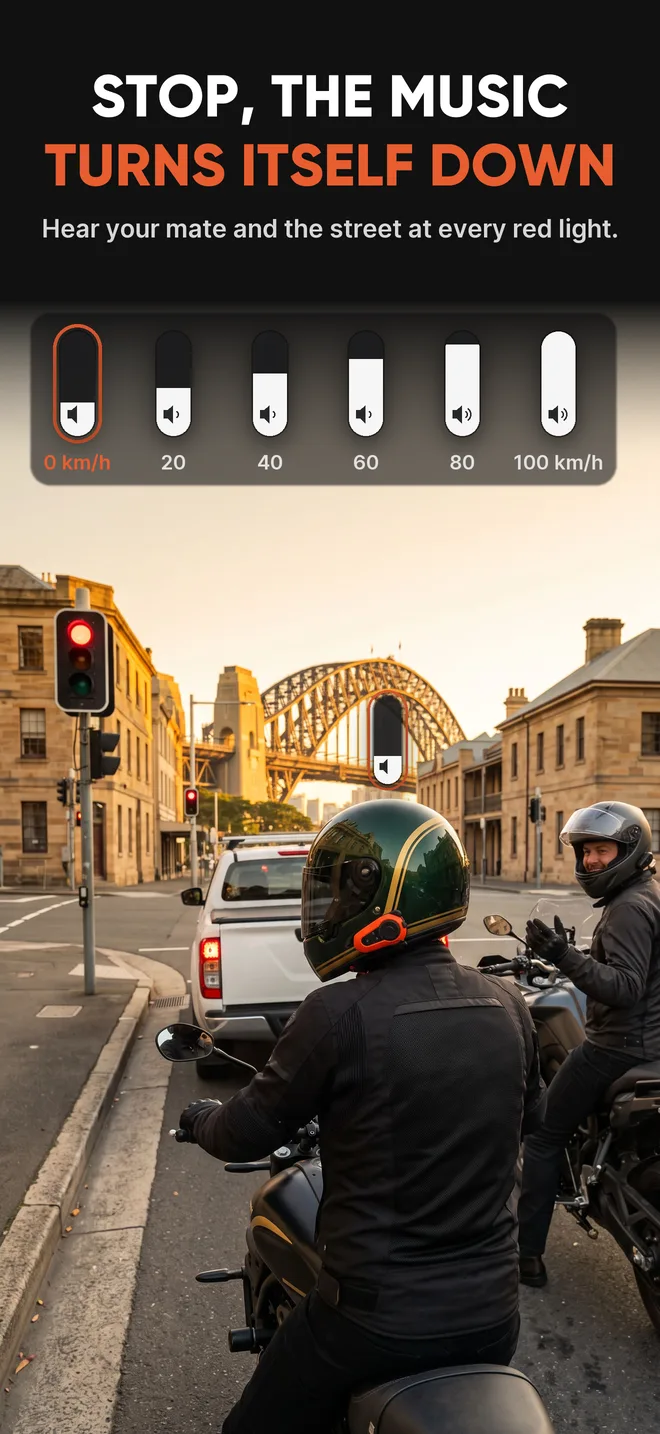
At a red light the music goes quiet. You can hear the street, and the people next to you can't hear your playlist.
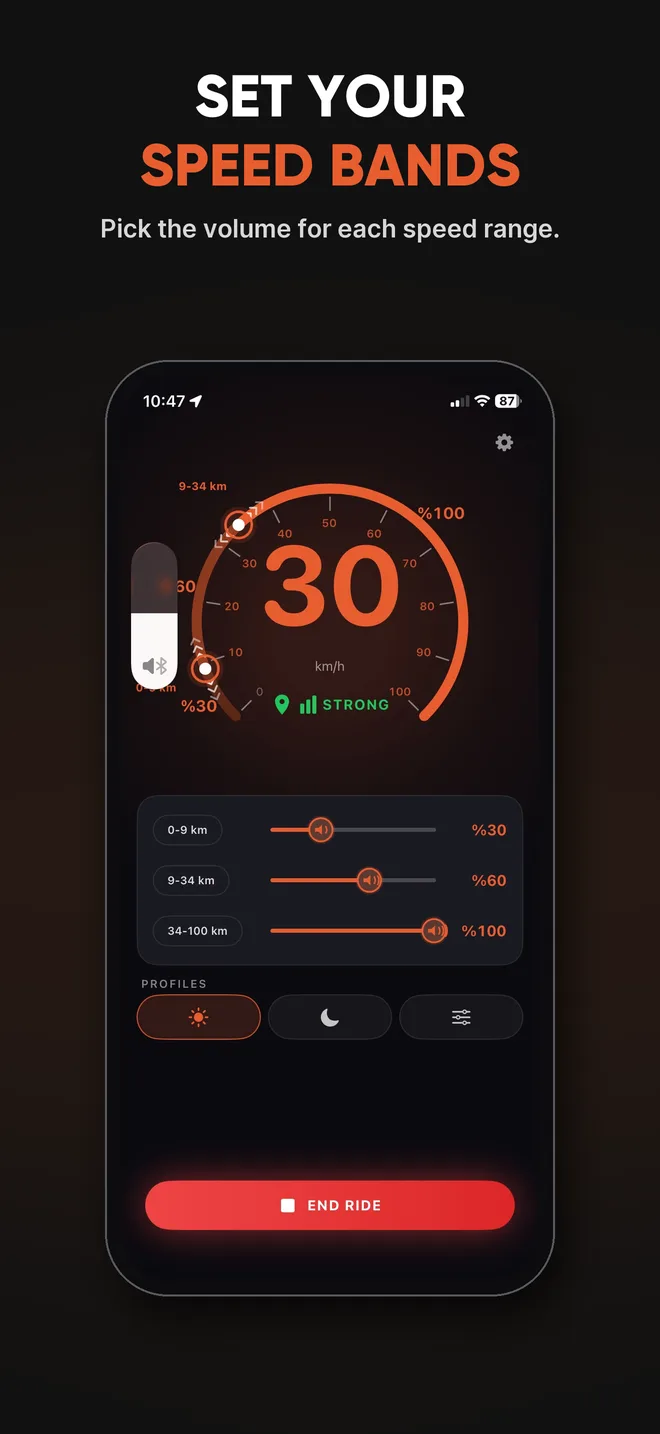
Pick a volume for each speed range, like 0–20, 20–60 and 60–100 km/h.
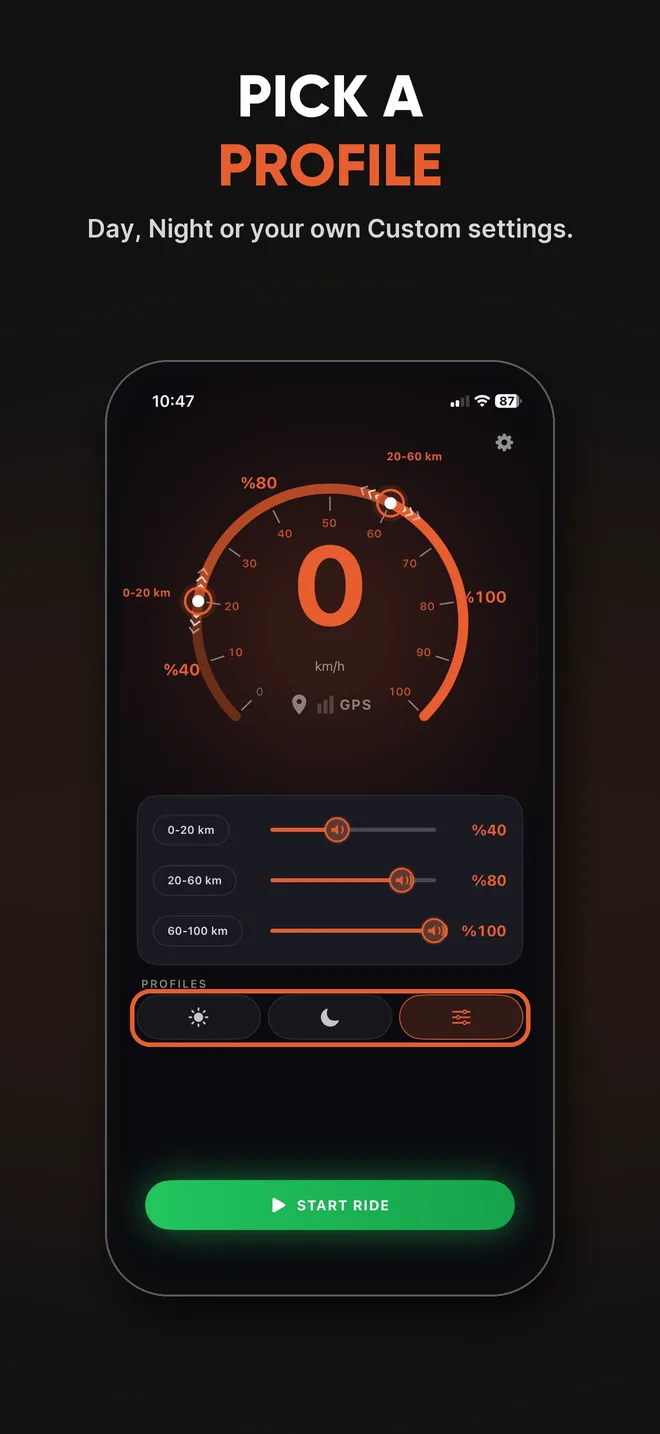
Day, Night or your own Custom settings. Switch with one tap.
Pocket your phone. It keeps working in the background, even when your phone is locked.
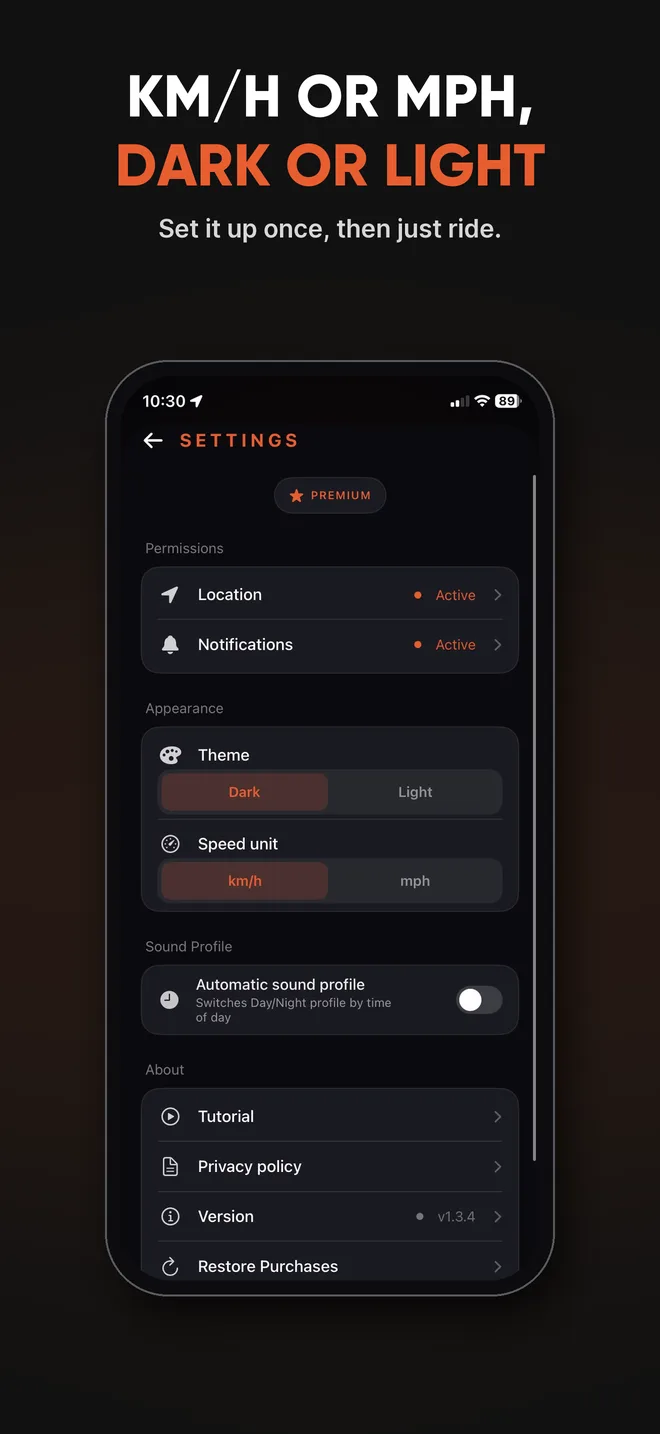
MotoVolume changes your phone's media volume, the same one your volume buttons control. If you can hear it, it works.
No. It doesn't touch Spotify or any other app. It only changes your phone's media volume, the same one your volume buttons control.
Yes. Tap Start Ride, lock the phone and put it away. MotoVolume keeps working in the background.
It works when your phone plays through normal Bluetooth. With Apple CarPlay and Android Auto, the car usually takes over the volume, so MotoVolume can't change it.
It uses GPS while you ride, like a navigation app. When you stop the ride, GPS turns off.
Your speed is worked out on your phone, and your location never leaves it. Privacy Policy
Setting it up is free. To ride with it, you start a free trial, then pay a monthly or yearly subscription. You can cancel any time in your App Store or Google Play account.
 MotoVolume